


Wedding Place Card Template, Dusty Blue Hydrangea Name Card Printable, Editable Canva Watercolor Floral Escort Card, Digital Download
€3.00
There’s a quiet kind of magic in watching a guest arrive, scan the table, and spot their name waiting for them — that small, thoughtful detail that says we saved a seat just for you, and we’re so glad you’re here.
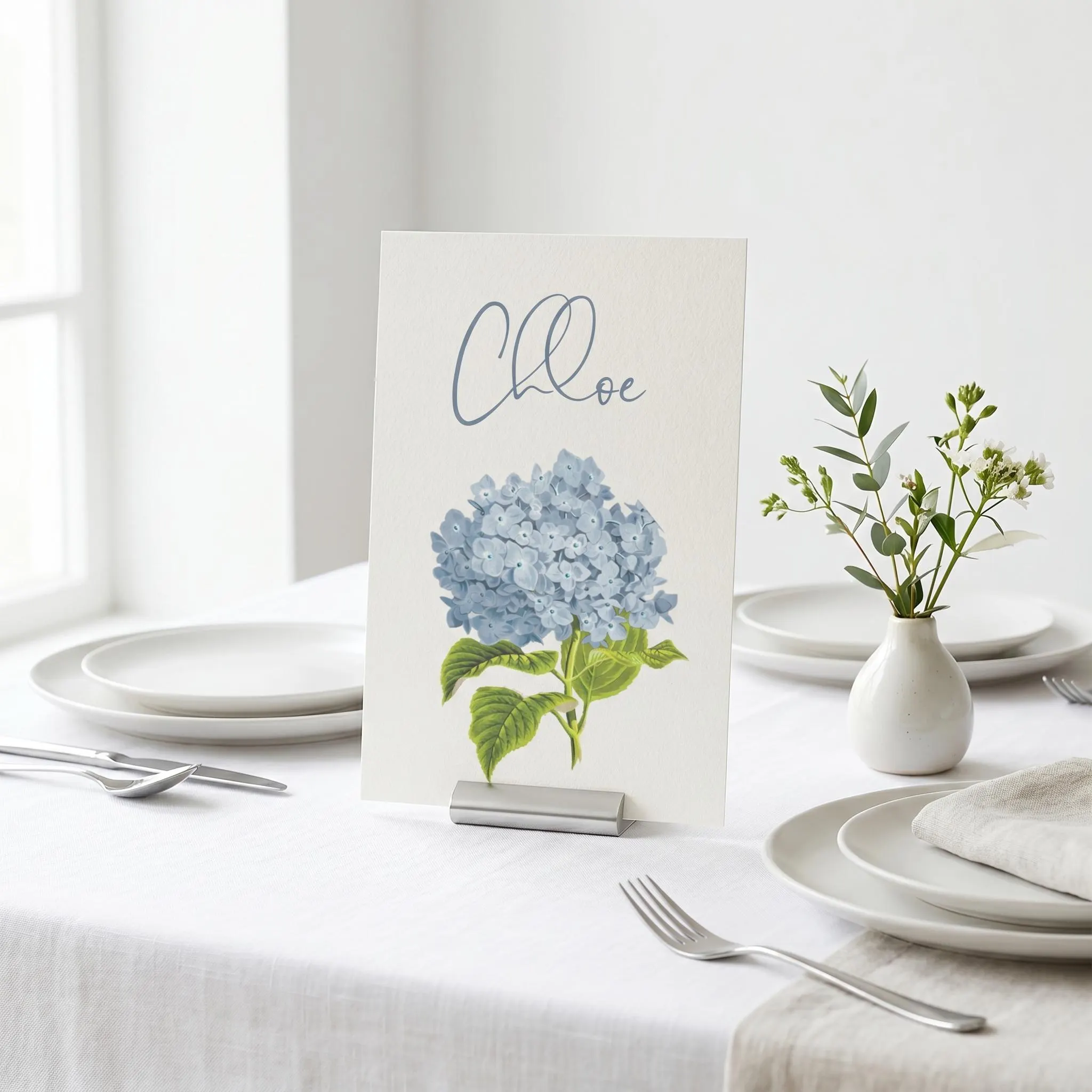
This dusty blue hydrangea place card brings that moment to life with soft, romantic watercolour florals. It’s the finishing touch that pulls your whole table setting together — elegant enough to feel timeless, personal enough to feel completely yours.
And because it’s a fully editable Canva template, every name card can reflect your day exactly the way you’ve imagined it. Adjust the wording, swap the fonts, fine-tune the colours and layout, then add each guest’s name — all from your phone, computer, or tablet. Edit as often as you like while you bring your seating plan together. Made for the DIY bride who wants beautiful, coordinated details without the custom-design price tag.
———————————————–
DESCRIPTION
———————————————–
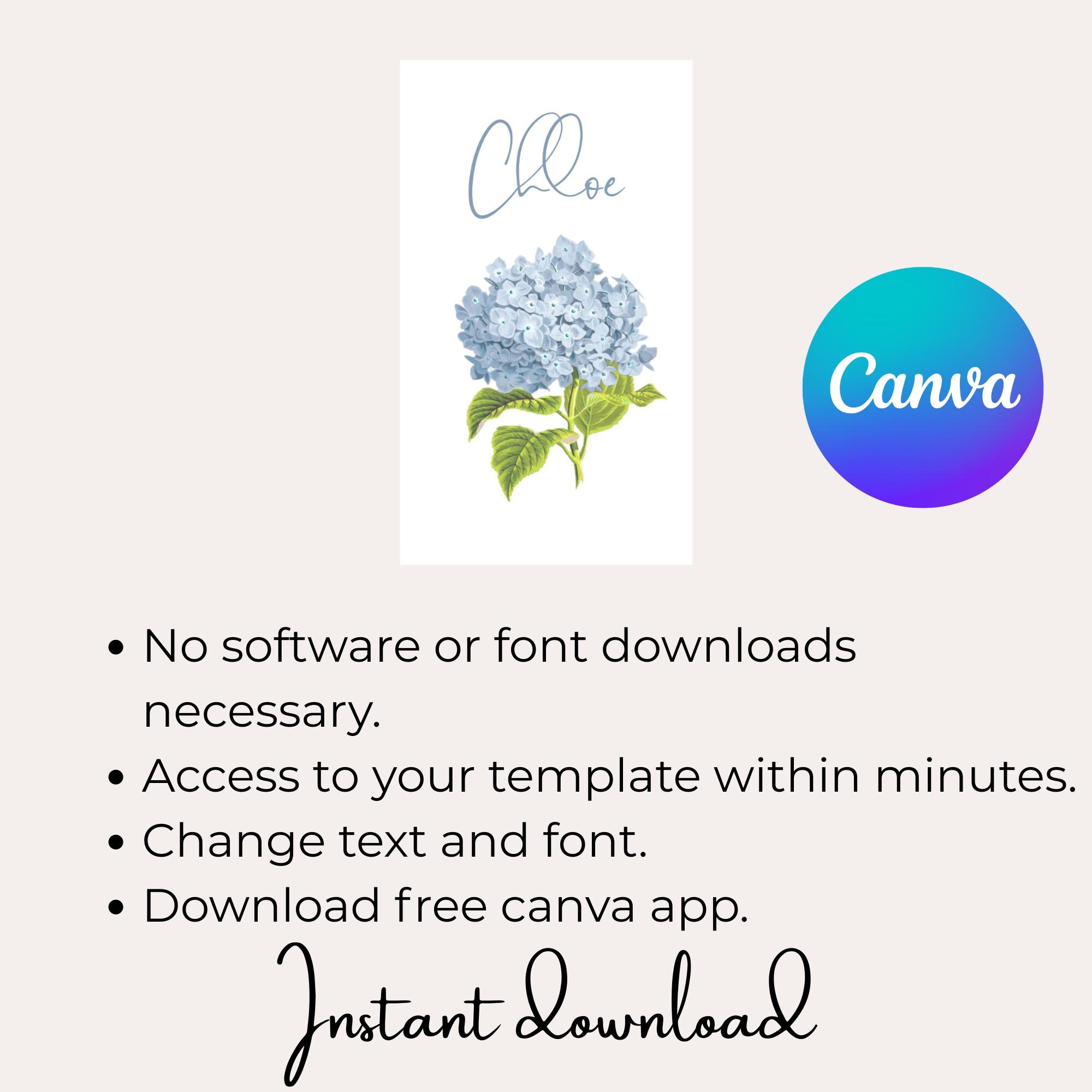
This is an instant-download digital file — there is no physical item shipped. You’ll edit it right in your web browser with Canva after purchase. Just: Purchase > Personalize > Print.
No waiting • No software to install • No fonts to download.
———————————————–
WHY BRIDES LOVE THIS TEMPLATE
———————————————–
Instant access — start personalizing within minutes of checkout
Beginner-friendly — if you can type, you can edit this (no design skills needed)
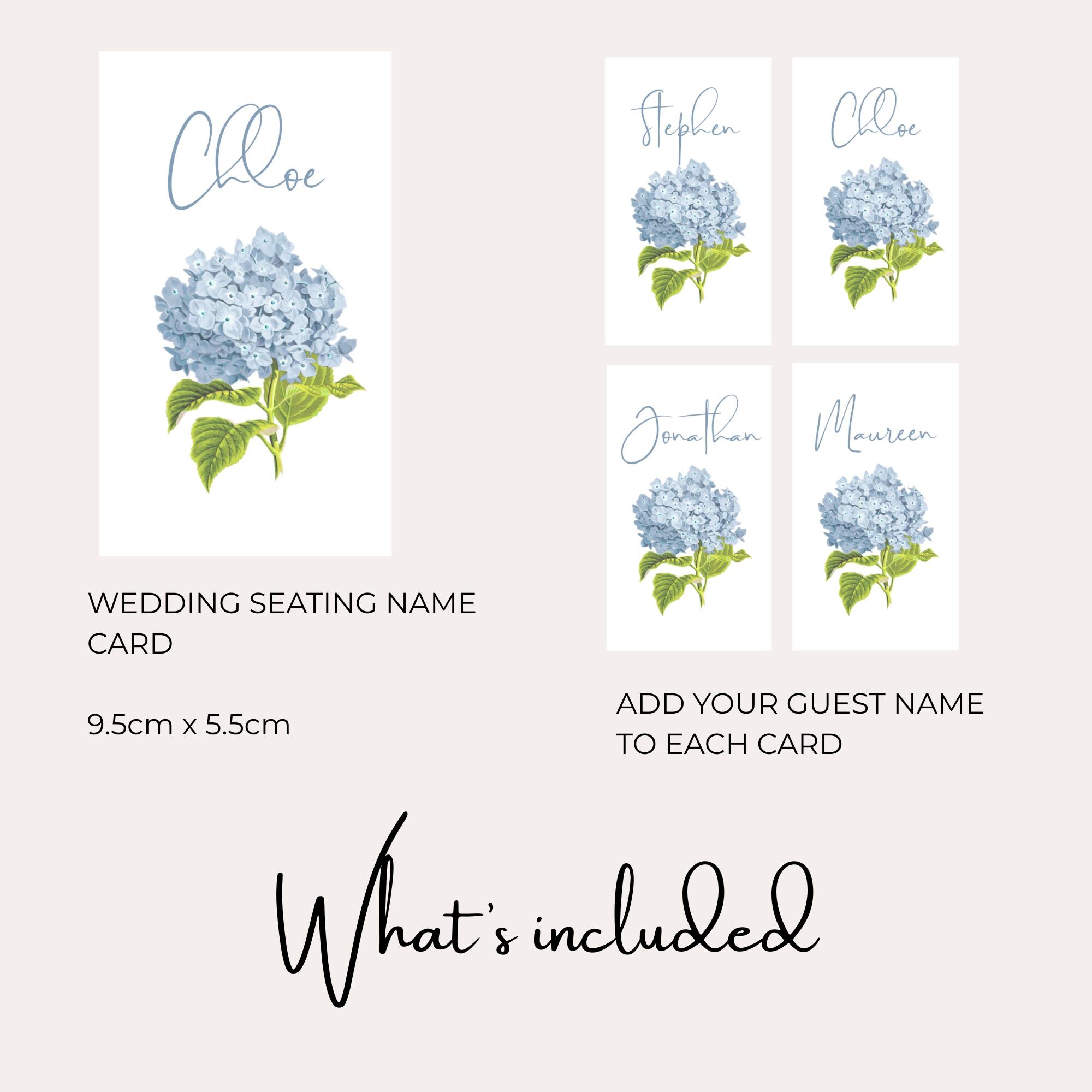
Easy to scale — duplicate the card and add every guest’s name in minutes
Edit unlimited times — proof it, tweak it, and perfect it with zero stress
Print-shop ready — high-resolution files with optional bleed and trim marks
Budget-friendly elegance — a designer look for a fraction of custom pricing
———————————————–
WHAT’S INCLUDED
———————————————–
FINISHED SIZE:
Portrait place card — 9.5 cm x 5.5 cm (approx. 3.7″ x 2.2″)
ALSO INCLUDED:
Easy Canva Basics Guide
Step-by-step tutorials for editing your design in Canva
———————————————–
HOW IT WORKS
———————————————–
Purchase the template.
Once your purchase is confirmed, you’ll receive a PDF containing your template link.
Open the link and create a FREE Canva account (simple instructions included).
Edit and personalize your name cards in Canva.
Download as PDF, PNG, or JPEG — with the option to save with bleed and trim marks.
Print at home or at a professional print shop.
———————————————–
WHAT CAN BE EDITED
———————————————–
All text — wording, font, colour, size, and placement
Artwork — size and placement (floral colours are not editable)
Backgrounds — change the colour, delete it, or add your own
Upload your own images
———————————————–
WHERE TO PRINT
———————————————–
A local print shop or an online printer such as VistaPrint
Your home printer**
For accurate sizing, set your printer to “100%” or “Actual Size.”
———————————————–
A FEW THINGS TO KNOW
———————————————–
Adding your full guest list is simple — just duplicate the card and update the name for each guest. (With a Canva Pro account, the Bulk Create tool can populate every name at once.)
Canva is free — a paid account is not required to use this template.
This works on phone, tablet, or computer — edit wherever you are.
Colours may vary slightly between screens and printers; a test print is always a good idea.
Not sure about something? Message me before you buy — I’m happy to help.
———————————————–
RETURNS
———————————————–
Because this is an instant digital download, purchases are not eligible for refunds. Please message me with any questions before purchasing — I want you to feel completely confident.
———————————————–
TERMS OF USE
———————————————–
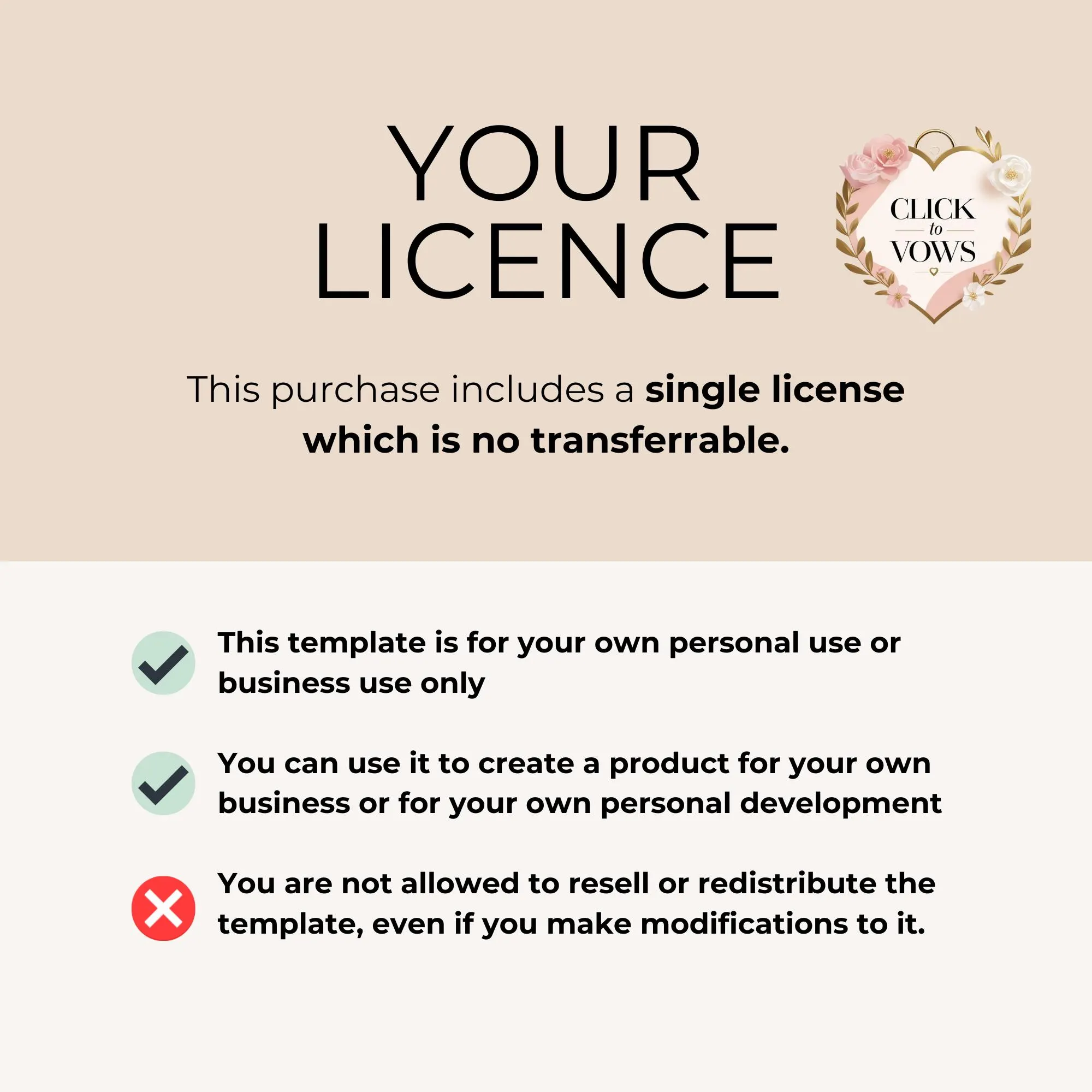
This template is for ONE-TIME PERSONAL USE ONLY. You may edit, save, and download it as often as you like for proofing and personalizing your own event. Creating multiple versions for separate projects or events, reselling, or sharing the file is not permitted.
———————————————–
Your day is made of a thousand small, beautiful details — let’s get this one ready for you. Add it to your cart and start personalizing your place cards tonight. 💙